
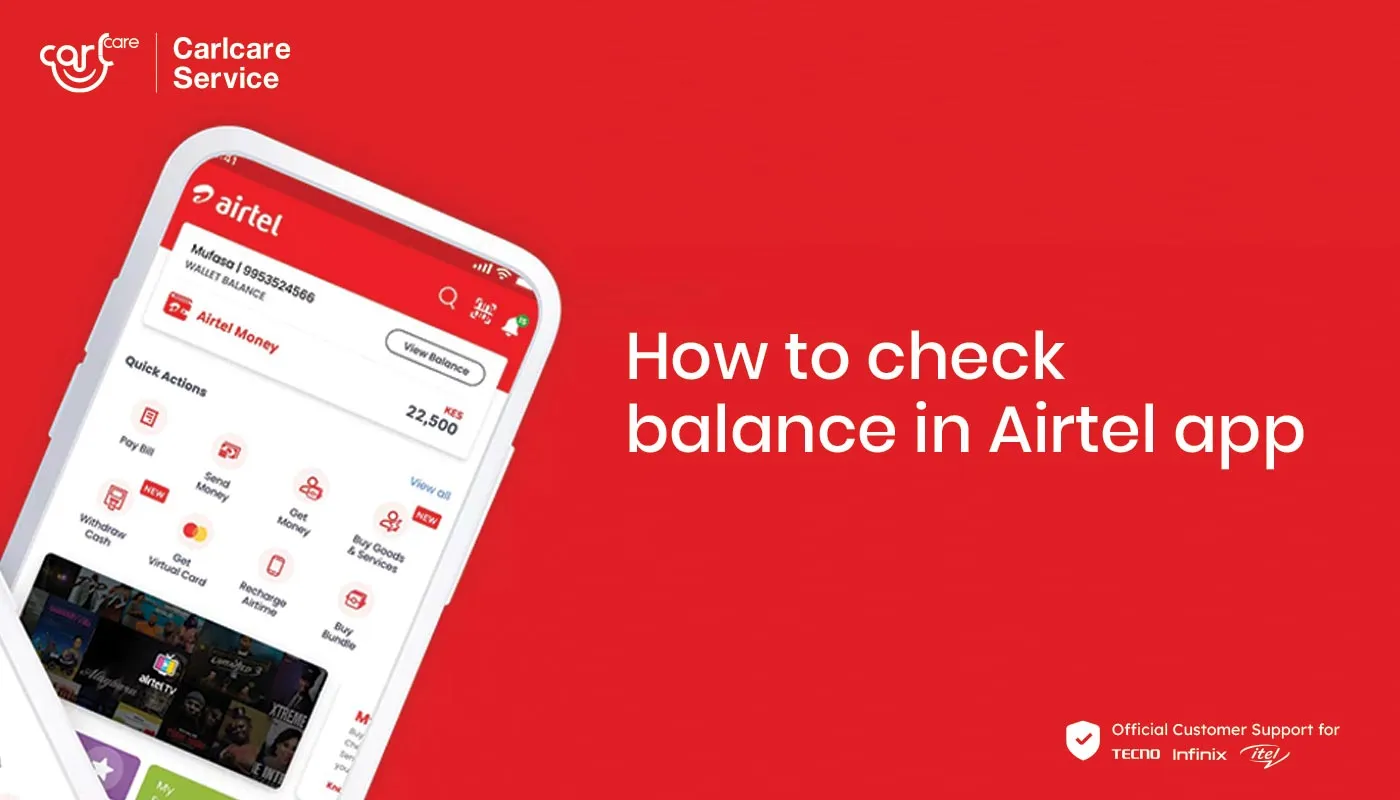
How to Check Airtel Tanzania Balance | 2026 Complete Guide
If you are an Airtel user, knowing how to check Airtel Tanzania balance helps you manage your airtime, data, and SMS usage efficiently. This 2026 guide explains all the easy methods to check your airtime balance, data bundles, and Airtel Money balance using USSD codes, the My Airtel App, and customer service.
1. Why You Should Check Your Airtel Balance Regularly
Regularly checking your Airtel balance ensures that you always know how much airtime or data you have left. This helps you:
- 🧾 Avoid running out of credit during important calls or data sessions.
- 💰 Plan your airtime and bundle purchases wisely.
- 📶 Track your usage to identify the best bundle options.
- ⚠️ Detect unexpected deductions or service charges quickly.
2. How to Check Airtel Tanzania Airtime Balance
The simplest way to check your airtime balance on Airtel Tanzania is through the official USSD code. You can do this anytime, even without mobile data.
Steps:
- Dial *102# on your Airtel Tanzania line.
- Wait a few seconds for the system to process your request.
- Your remaining airtime balance will appear on your screen.
- You will also receive an SMS confirmation with your balance details.
This method works for both prepaid and postpaid users.
3. How to Check Airtel Tanzania Data Bundle Balance
To monitor your data usage and remaining bundles, Airtel provides a simple USSD method and a mobile app option.
USSD Method:
- Dial *148# on your phone.
- Select option 1 (Internet Bundles).
- Choose Check Balance or similar option from the menu.
- Your remaining data balance, validity, and bundle type will appear.
My Airtel App Method:
- Download the My Airtel Tanzania App from the Google Play Store or Apple App Store.
- Log in using your Airtel number.
- The app’s home screen will display your data, voice, and SMS balance instantly.
The app is user-friendly and also allows you to buy bundles, recharge airtime, and track usage trends.
4. How to Check Airtel Money Balance
If you use Airtel Money for mobile transactions, checking your balance is simple and secure.
Steps:
- Dial *150*60# on your Airtel line.
- From the menu, select option “My Account.”
- Choose “Check Balance.”
- Enter your 4-digit Airtel Money PIN to confirm.
- Your account balance will be displayed on the screen and sent by SMS.
This is the safest and fastest way to keep track of your Airtel Money wallet balance.
5. How to Check Bonus or Promotional Balance
Airtel Tanzania frequently offers bonus airtime, data, or SMS through promotions. To check these:
- Dial *149*10# and choose “Bonus Balance.”
- Or open the My Airtel App and look under “Offers” or “Promotions.”
Bonus balances usually have shorter validity periods, so be sure to use them before expiry.
6. Common Problems and Solutions
- Issue: No response after dialing *102#.
Solution: Restart your phone or try again later; check network signal strength. - Issue: My Airtel App not showing balance.
Solution: Update the app or clear cache; ensure mobile data is on. - Issue: Wrong balance display.
Solution: Wait a few minutes for system synchronization or contact Airtel Tanzania Customer Care at 100.
7. Airtel Tanzania Balance Check Shortcuts Summary
| Service | USSD Code | Alternative |
|---|---|---|
| Airtime Balance | *102# | — |
| Data Bundle Balance | *148# → Internet Bundles → Check Balance | My Airtel App |
| Airtel Money Balance | *150*60# → My Account → Check Balance | SMS Confirmation |
| Bonus/Promotional Balance | *149*10# | My Airtel App (Offers section) |
8. Summary – How to Check Airtel Tanzania Balance
To quickly recap, here are the main methods to check your Airtel Tanzania balance:
- ✅ Dial *102# for airtime balance.
- ✅ Dial *148# to check data bundle balance.
- ✅ Dial *150*60# for Airtel Money account balance.
- ✅ Use the My Airtel App for a full overview of all balances.
Always ensure your Airtel line is active and your phone has good network signal. Checking your balance regularly helps you stay connected and avoid unexpected service interruptions.
For more Airtel Tanzania guides and travel-related resources, visit www.jaynevytours.com.